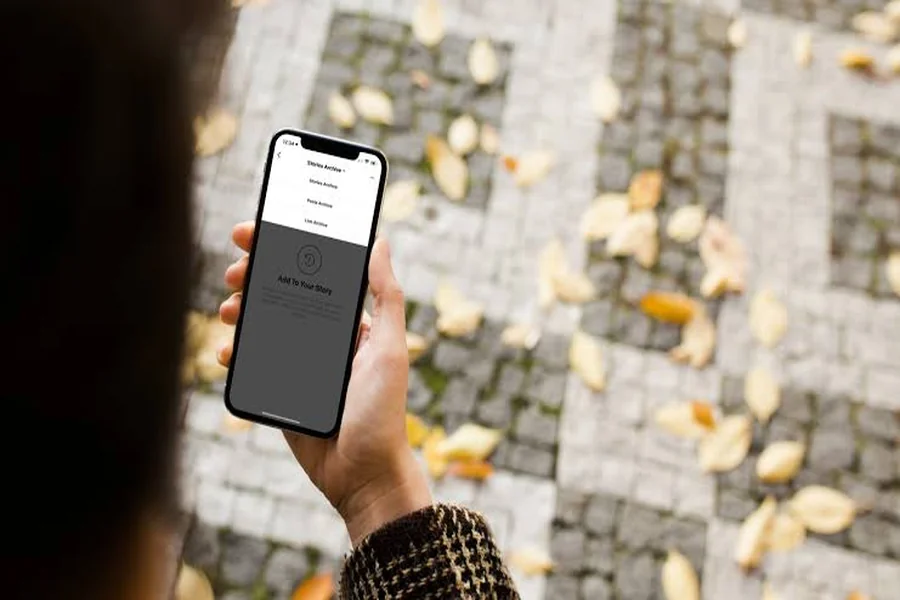
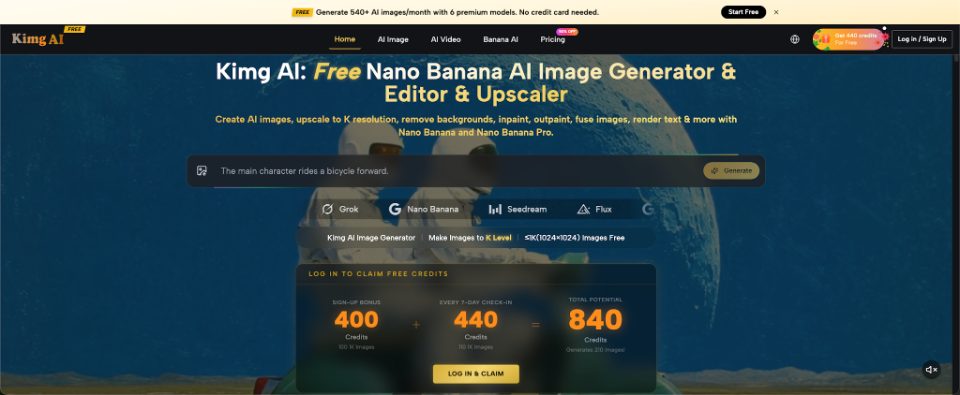

You change your Instagram bio to “quiet mornings, loud playlists,” then notice your profile photo is from a nightclub three years ago. Nothing is wrong with either detail, but together they tell different stories. People often find the perfect line and forget the small image beside it. Image creation and editing tools, including Kimg AI, can help explore visual directions. Before changing anything, decide what the account is for and what a new visitor should understand in the first few seconds. The best picture is not necessarily the most elaborate one.
Read the Profile as a Stranger Would
Open your profile without scrolling. Notice the username, picture, display name, bio, and the first visible posts. Imagine someone arrived after seeing your comment on a friend's photo. Would they recognize you? Could they tell whether the account belongs to a person, a local service, or a hobby page?
A profile does not need a professional identity. A private account can simply feel friendly. A photographer might want people to recognize their work. A neighborhood baker may need a clear product picture and a bio that mentions their location. The point is to avoid asking one tiny photo to explain everything.
Write three words that describe how you want the profile to feel. “Playful, warm, personal” might suggest a very different image from “clean, practical, local.” Use those words as a filter rather than an instruction to invent a new personality.
Three Profile Pictures for Three Different Goals
A useful photo choice follows the account's purpose. These examples are starting points, not rules everyone must follow.
1. The Personal Account: Recognizable Beats Perfect
Choose a photo where a friend would identify you immediately. A relaxed expression and uncluttered background work better in a small circular crop than a group shot. If your bio mentions books and ordinary days, a candid portrait may feel more natural than an elaborate studio concept. You can experiment with lighting or a gentle illustration, but compare the result with the original and ask whether it still looks like you. An unfamiliar face defeats the point of a personal avatar.
2. The Creator Account: Show the Kind of Work You Make
A ceramic artist could use a simple portrait beside a finished pot or a recognizable detail from their work. A recipe creator might choose a distinctive food photograph rather than a face. Avoid cramming several unrelated objects into one tiny circle. The grid and highlights can carry supporting examples. The avatar needs to remain legible at the size people see in comments, where there is no room for a long visual explanation.
3. The Local Business: Remove Unnecessary Guesswork
A cleaning service might use a clear mark or an identifiable team photograph. A café could show its established logo instead of an attractive but unfamiliar coffee illustration. Make the image agree with the business name and contact information. If customers could mistake an invented storefront for your real location, do not use it as a documentary representation. Your bio can explain where you serve people and what they should do next; the image should reinforce recognition.
Use Image Editing to Test a Direction, Not a New Identity
Suppose you already have a portrait you like, but the distracting background makes it difficult to crop. Kimg's Nano Banana AI image-generation and reference-editing options provide a way to explore a cleaner presentation or a stylized alternative. Treat every output as a proposal. Check facial features, hairstyle, clothing, and any visual details you intend to preserve. The result should not quietly turn you into someone else.
If you would rather use an illustrated avatar, choose a simple motif you genuinely connect with. Describe the subject, mood, and limited palette instead of requesting a generic “viral aesthetic.” Keep original photographs available for comparison. A strong avatar is identifiable even when copied into a screenshot, not just when viewed full size.
Do not let image polish rewrite the bio. If your page is informal, a natural picture and plain words may communicate better than an elaborate portrait paired with exaggerated claims.
Make the Bio and Highlights Support the Same Story
A bio has limited space, so give each part a job. A personal page might include one memorable sentence and a small detail about a hobby. A creator may name the kind of work they share. A service business needs its offering and a useful next step. You can add personality, but do not bury the basic information under symbols and decorative text.
Highlight covers are secondary. If you use them, name the categories clearly: Recipes, Events, FAQ, or Behind the Scenes. For a casual page, simple screenshots or photographs may feel more welcoming than identical branded icons. Do not force every highlight into a matching design if you rarely update them.
Check that the profile picture, bio, and first visible posts could reasonably belong to the same account. They do not need identical colors. They need to avoid sending conflicting signals about who is posting and why.
Try the Five-Second Test
Show a screenshot of your profile to a friend who understands the account's purpose but has not helped with the redesign. Hide the username first if you want to test the picture alone. Ask what they notice and what kind of posts they expect. Listen for gaps between their answer and your intention.
Next, shrink the picture to roughly the size of a comment avatar. Fine lettering and small facial details may disappear. If the image only works when enlarged, choose a simpler crop or composition. Test it on a light and dark background because the surrounding interface can change how the colors appear.
Finally, look at your current posts. If they already tell a coherent story, perhaps only the bio needs adjustment. Updating a profile should solve a real communication problem, not create pressure to replace every photograph you have ever shared.
Know Which Parts Should Stay Real
An Instagram profile can be playful without misleading viewers. If you make an illustrated avatar, that is usually clear from the style. If you generate a realistic portrait in an office you have never visited, people may reasonably assume the setting represents your actual work. Think about whether that matters for the account.
For a small business, use real photographs when claiming to show products, staff, or premises. Generated images can explore a mood, but they should not stand in for evidence of services delivered. For personal accounts, ask permission before building a couple's avatar or a friend-group picture from other people's photos.
The easiest boundary is this: use generated visuals to express a feeling or propose a design, and use genuine documentation when an image is meant to establish a fact. That distinction makes a profile more trustworthy without making it less creative.
Conclusion
A better Instagram profile does not begin with finding the most impressive picture. It begins with deciding what the account should communicate, then checking whether the avatar, bio, and visible posts help tell that story. Test a few visual directions, compare them with real photographs, and keep the details that make your page recognizable. You can change one element without rebuilding the whole account. Start by reading your own bio, looking at your current picture, and noticing whether they sound like the same person.